Tor Access — Connecting to Darknet Markets
How to install Tor Browser, navigate onion addresses, and understand what to expect from the connection.
This darknet guide entry covers Tor access step by step. Tor Browser is the only recommended client for reaching .onion addresses, and installation takes a few minutes on any major operating system. This dark net guide section assumes no prior familiarity with Tor and aims to give readers a clear, accurate picture of how the connection works and what to expect.
Contents
01Installing Tor Browser
Tor Browser is available for Windows, macOS, Linux, and Android. Visit torproject.org in your current browser, navigate to the Downloads section, and download the installer for your operating system. Verify the download signature using the instructions on the download page — the Tor Project provides a signature file alongside every installer.
On Windows, run the downloaded installer and follow the prompts. On macOS, open the downloaded disk image and drag Tor Browser to your Applications folder. On Linux, extract the downloaded archive and run the start-tor-browser script. On Android, install from the Google Play Store or download the APK from torproject.org directly.
On first launch, Tor Browser will connect to the Tor network. In countries where Tor is blocked, the connection screen offers bridges — unlisted relays that are harder to block. Select a bridge type if a direct connection fails.
02Navigating Onion Addresses
Once Tor Browser has connected, paste a .onion address directly into the address bar and press Enter. The browser will resolve the address over the Tor network. Do not use search engines to find onion addresses — search results for darknet market URLs are frequently populated by phishing mirrors.
Onion addresses in this darknet guide follow the version 3 format: a 56-character string of letters and numbers ending in .onion. Version 2 addresses (16 characters) are deprecated and no longer supported by the Tor network.
Use addresses from this reference only. Do not follow links from search engines, advertisements, or unsolicited messages.
03Connection Speeds and Mirrors
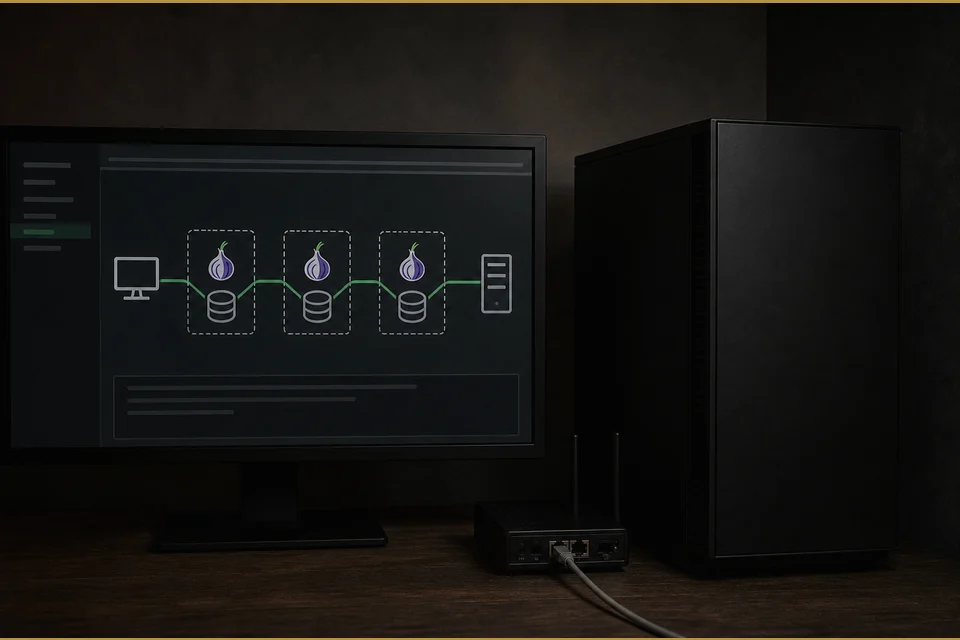
Tor connections are slower than direct internet connections because traffic is routed through multiple encrypted relays. Page loads on onion services take longer than equivalent clearnet pages. This is normal and not a sign that something is wrong.
If a market's primary onion address is slow or unreachable, try the alternative mirror addresses listed on each reference page in this codex. Markets maintain multiple mirrors precisely for this reason. If all addresses are unreachable for an extended period, check community sources for status announcements.
04Frequently Asked Questions
Where do I download Tor Browser?
Download Tor Browser only from torproject.org. Third-party downloads may contain modified versions that compromise your anonymity.
Can I use a regular browser to access .onion sites?
No. Standard browsers do not have the ability to resolve .onion addresses. Tor Browser is required.
Why is the connection slow?
Tor routes your traffic through three relays, each adding latency. This is an inherent property of the network, not a problem to be fixed.
What are bridges in Tor Browser?
Bridges are unlisted relays that help users connect to Tor in countries or networks where the main relays are blocked. Tor Browser offers several bridge types including obfs4, Snowflake, and meek.